Two versions of Rider 2023.3 installed after updating

When applying the update to Rider 2023.3 I got another message right after that Rider was 2023.2 and I needed to update, so I clicked update and after a while it seemed to be fine, but now when I want to open a SLN file, it asks me which Rider I want to choose?

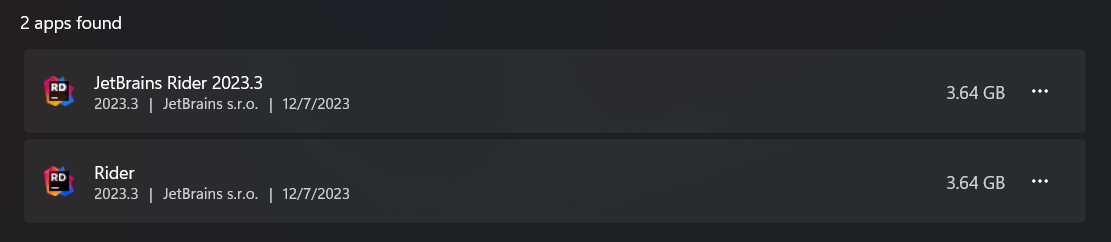
It seems the Toolbox, or otherwise, managed to install 2 separate copies of Rider which apparently are now both updated to 2023.3? I can see both instances when I go to Add/Remove programs, and also I can see 2 shortcuts pointing to separate directories on my system:
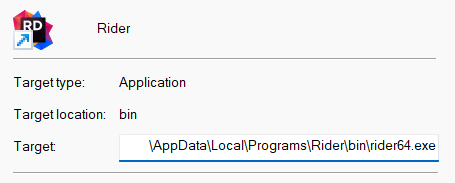

Which version is the real Rider? And how can I remove the other version? One of them doesn't even have the uninstall option available; it is greyed out. What is going on exactly and how do I solve this?
Thank you.
Please sign in to leave a comment.
May I know if you are using JetBrains Toolbox to install/manage all IDEs?
The JetBrains Toolbox will install Rider in following path by default: C:\Users\<USER_NAME>\AppData\Local\Programs\Rider, and it could not be uninstalled from Windows settings.
Please consider uninstall the other one and manage Rider installations in Toolbox App.
That is correct, AFAIK, I am only using Toolbox to manage JetBrains product part of our licensing package.
I will uninstall the other version using the Windows panel then and assume it will remedy the scenario :)