No navigation on Show usage for single result

Hi,
The most annoying thing about the usage finder is that when you click the “Show usage” text above an entity it navigates to the usage if there is only one usage. I managed to turn this off a couple of weeks ago after some effort to find the setting to do that.
Now after upgrading it is back and I cannot find the setting to disable that again.
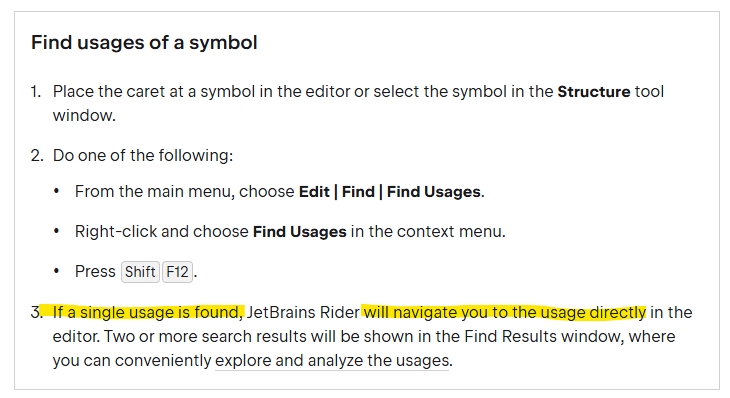
It is stated in the docs that it should behave like this, but as I'm working in a team that maintains a large legacy code base I use this feature frequently and in most cases I just want to get a quick list of where the entity is used so that I may make discissions on re-factorings etc.
I know there are other ways of getting the list, but that opens a search result pane and that is better but not ideal either.
Any help on how to configure Rider not to navigate on single usage would be much appreciated.
Please sign in to leave a comment.
In Settings | Editor | Search and Navigation, you can select “navigate without displaying the list” for the Go to usage action.
This is my settings… after re-start of the computer things seems to be working better but there are still some case where I get the unwanted navigation….
Here “Show usages” navigates to the invocation further down in the code.
Unfortunately, it is not possible to avoid navigation on command+click when only one usage exists in .ts files. In this case, you can use the 'Find usages' menu item or a hot key to display usages in a separate window. Please feel free to create a new feature request to implement navigation settings for such usage scenarios: https://youtrack.jetbrains.com/issues/web.