JetBrains AI Pro did not work in Visual Studio

Hello, I bought the JetBrains AI Pro license, I uninstalled the plugin from visual studio and reinstalled it, but the models do not appear in the chat area and do not react when I type and send something.
There is no problem with Jetbrain rider, the models appear and react
I use visual studio 2022 professional edition
windows 11
Please sign in to leave a comment.
Hello,
Could you please collect a log file for us as described in the article so we could investigate why chat doesn't react to any actions.
As for the models selector, there's no option to select LLM manually in ReSharper - RSRP-500415 (Option to change LLM in AI Assistant).
I looked at the article but ReSharper doesn't work for me, it wants me to buy a restricted version licence. However, I found a log record in this directory C:\Users\ANKA\AppData\Local\Temp\JetLogs JetBrainsLog.JetBrains.2025-08-01T09-11-03.devenv#21224 If you say this, how can I give it to you?
Could you please provide a screenshot of a message that requires to buy a restricted version license?
As for the log, please upload it our our upload service and let me know the file ID.
Thank you in advance.
hello
Upload ID: 2025_08_06_fUX6vgs5R3CFaYak4DB7gZ
I have to buy Resharper to use Ai Assistant?
Hi, that's correct. AI Assistant cannot be used in VS without ReSharper being installed and activated.
Please start ReSharper trial for activating AI Assistant in VS.
Let us know if there still any problems or questions.
hello but I can't do it this error comes up
License server response: Unknown IDE product code provided null
hello i found the problem.windows regional language settings used gives this error if the format type is not english.it fixed after i made it english.i think resharper keeps the windows language setting english mandatory when licensing
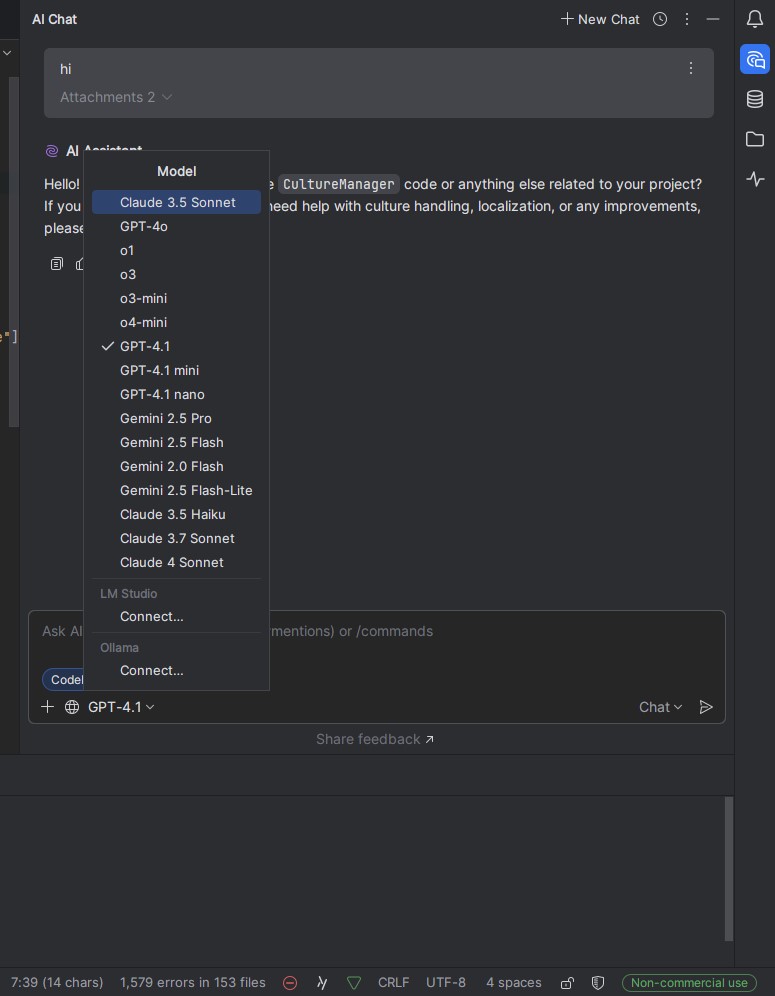
right now the chat is working, it's responding to me, but I still can't select a model and there's no + icon, I can't add files, the project isn't indexing, this is the JetbrainsRider chat area, there's no problem.
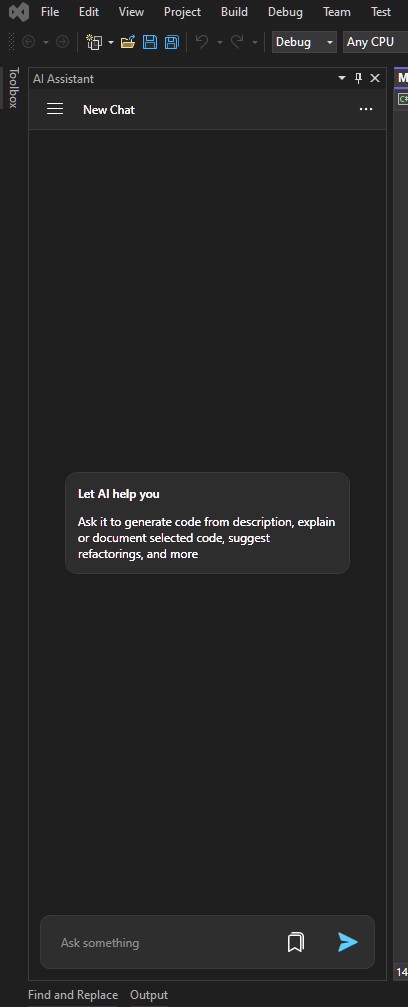
This is the visual studio chat area. If I want to ask the codes in a file, will I do it as copy and paste? and as far as I understand, there is no ability to index the entire project.?
Hello Serdar,
Unfortunately, there's no option of selecting LLM model in chat, please see - RSRP-500415 Option to change LLM in AI Assistant.
Edit mode unlike Rider isn't presented in ReSharper, there's also a feature request - RSRP-500939 Agent/Edit mode for ReSharper AI Assistant.