Am I missing something, or is updating Rider a painful process?

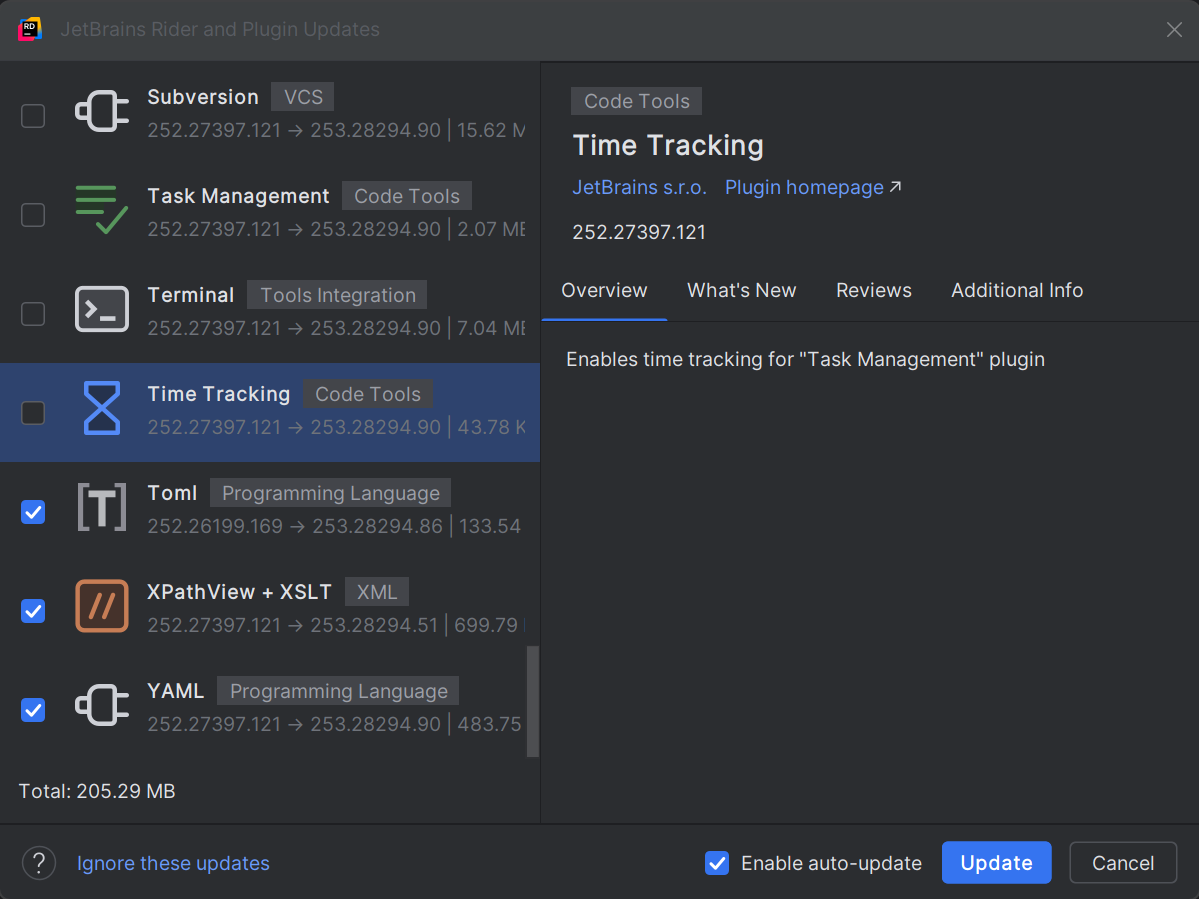
I never installed the overwhelming majority of plugins that appear in the Update box.
Even if I waste time to save time and uninstall those I never use, I don't wish to have to go through and manually unselect the ones I rarely use but don't want to wait an extra 15 minutes for them to update.
Is there a magic key sequence to “Select None” so I can manually click the one or two I wish to update?
Please sign in to leave a comment.
Hi Simmo, and thanks for contacting JetBrains support.
You can press
Ctrl + A(Windows/Linux) orCmd + A(macOS) to select all plugins, then press theSpacebarto deselect them. After that, select the specific plugins you would like to update.If the shortcut does not work right away, try clicking on any plugin first to ensure the list has focus.
Super, I'll try that next when the next update arrives. Thanks.