macOS: open a new Rider window

I use the macOS multi-desktop feature a lot. It happens many times a day that I have one or more solutions open in different Rider windows on different desktops, and I need to open a new solution, and instinctively, it's `CMD`+`Spacebar` → Rider. What that causes is macOS to switch to one of the desktops where Rider is already open (I think the last one that was in foreground, but that's irrelevant for my question).
Visual Studio Code has the same issue, but I solved that using Shortcuts and the following shell script:
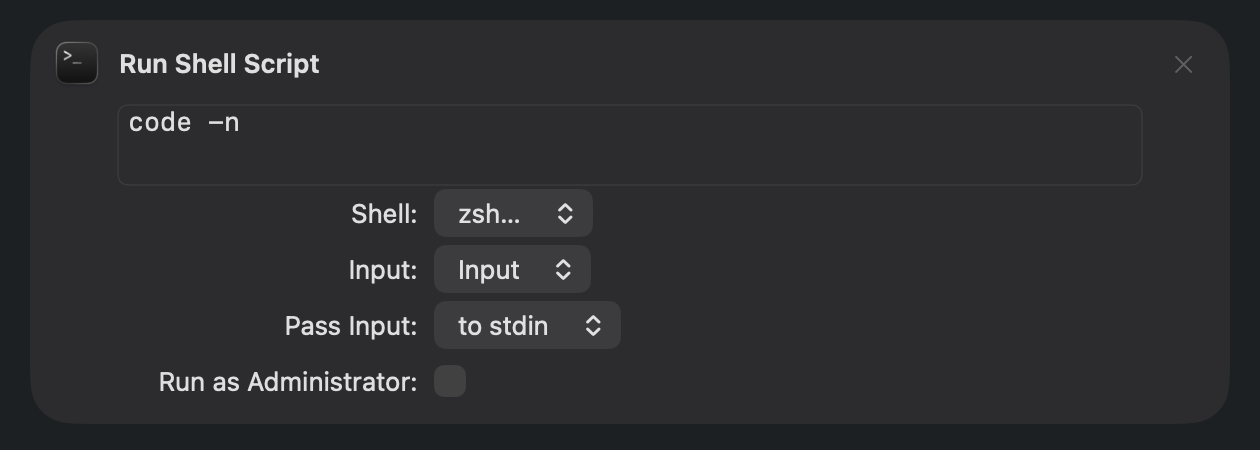
I then changed my habit, and I always use the Shortcut: `CMD`+`Spacebar` → New Code Window.
It would be great if something like that were available in Rider, too.
Please sign in to leave a comment.
Hi Mauro Servienti,
According to the docs,
open -nshould launch a new application instance. But, from my testing, it seems to open a separate Rider instance only when using a different set of IDE directories via a customidea.propertiesfile.SUPPORT-A-2618 gave me the idea to try the following approach on macOS, and it appears to work correctly:
Create an alternative config directory and
idea.propertiesfile:Switch to a new Desktop and launch the second Rider instance:
After running the command, you should remain on the second Desktop instead of being switched back to the one where Rider is already open.
You could try something similar as well. The trade-off is that all IDE directories are duplicated between instances.