Tab navigation trough code
Answered

Hi,
I've been testing Rider for 1 week and i have a little problem
After typing de "0" in my parameter i hit tab and in visual studio it take me to the next "tag" in the code but not in Rider.
Here how it does look like in Visual Studio
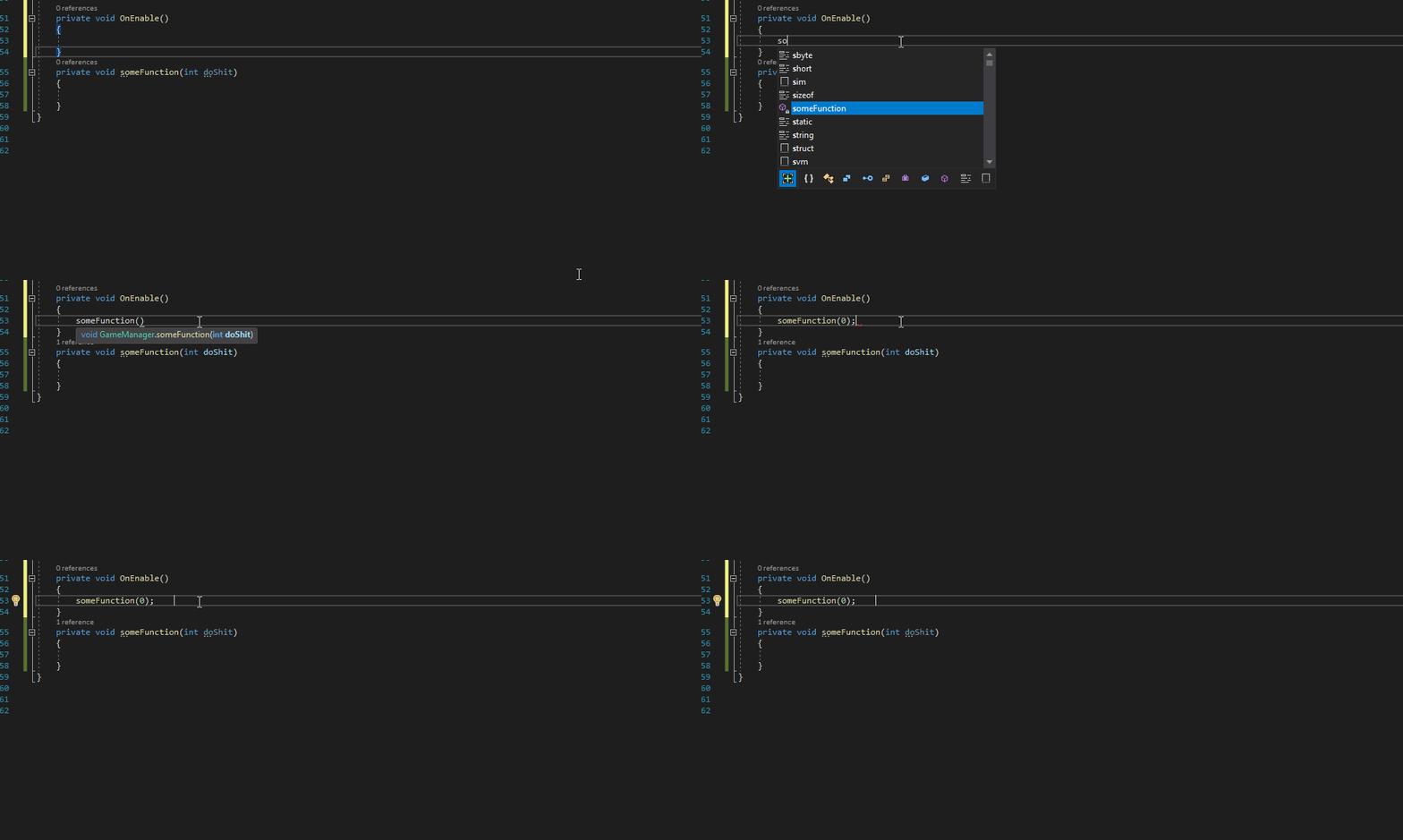
And here what it look like in jetbrains

I want to achieve the same behavior in rider but i can't find out how to do it please help
Sorry for my bad english i wish you'll understand me.
Please sign in to leave a comment.
Hi Gregoire!
Is seems like structural navigation is enabled. Please try to disable "use Tab/Shift+Tab keys for structural navigation" in `File | Settings | Editor | General | Typing Assistance`. I hope this helps! Should you have any other questions, let me know.