Error message pop up when using "Find action"

HI:
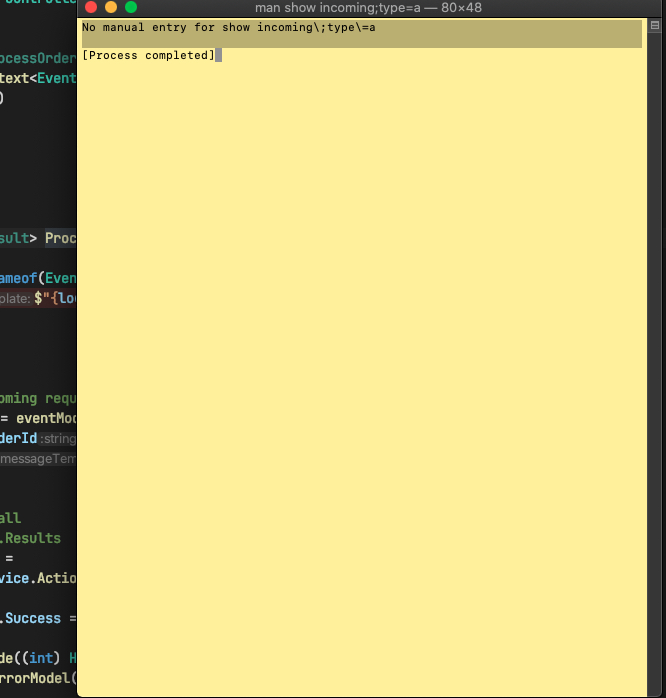
When i use the keyboard command + shift + A to use "Find action" functionality, it will work for the first time. If i click the same keyboard shortcut again, the yellow error message windows pop up(screen shot attached), if this bug ? Has anyone experienced this issue before?
Cheers
Please sign in to leave a comment.
Hi,
This problem is caused by Rider's shortcut conflicts with MacOS. You can find all the conflicts in Rider settings and reassign these actions to other custom keyboard shortcuts:
Alternatively, you can disable these shortcuts for MacOs. To do this, go to Mac -> System Preferences -> Keyboard -> Shortcuts, find the conflicting shortcut and turn it off (Search man Page Index in Terminal in your case):
Thanks`