How to attach c# source for decompilercache
Answered

I try create nuget package and install it, here is my full code https://github.com/roroco/nuget-create-pacakge-and-use-in-pj-sample, but when I install nupkg and navigate to nupkg class, rider only should DecompilerCache source, the decompiled cs is diff with my original cs, so how to make rider show my original cs
in java, when I navigate to .class file, it will tip I "Choose Sources", in rider how to do same thing for c#
Please sign in to leave a comment.
Try to pack both dll and pdb to nuget?
@Ivan Shakhov can you say detail, you mean rider has "Choose Sources", right?
@Ivan Shakhov I think it's very important feature to me, if there is not it, I will hard to dev my nuget package
@roro-co I have tried it myself and ended with filing an issue
https://youtrack.jetbrains.com/issue/RIDER-8806
I will ask team for more detail today.
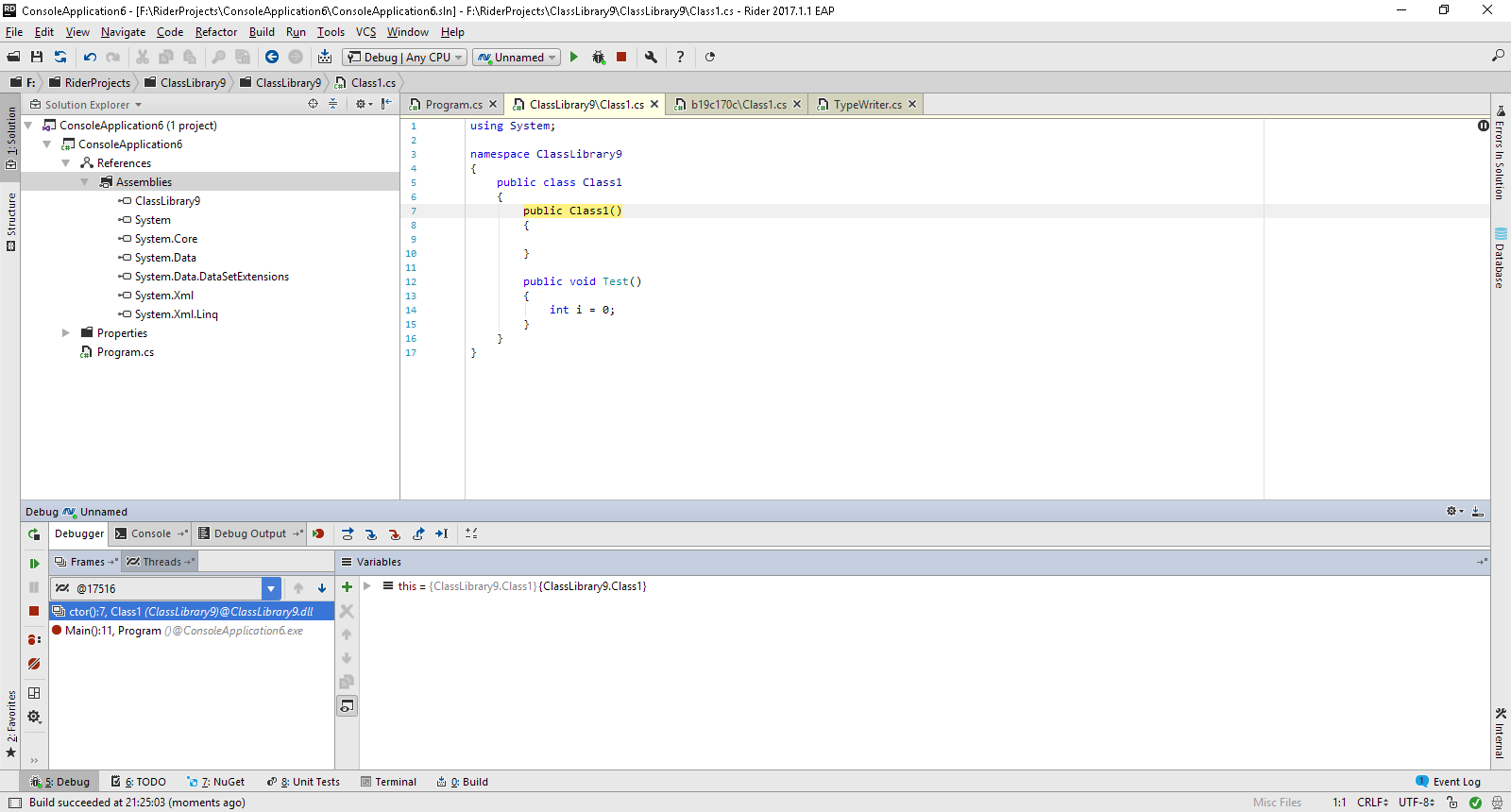
@roro-co BTW, when pdb is near dll in your nuget and you do step into during debug session - you get to real non-decompiled sources.
Is it possible to configure Rider to download pdb files automatically from symbol server?
Maxim Shoshin, yes it is possible since Rider 2018.1. At the moment, Rider uses http://referencesource.microsoft.com/symbols and http://srv.symbolsource.org/pdb/Public by default. Also, you can add additional symbol servers via ```File | Settings | Build, Execution, Deployment | Debugger | Symbols```. Please note that "Use sources from symbol files when available" and "Allow downloading symbols from remote locations" options must be turned on.