Hot Reload Button in new UI

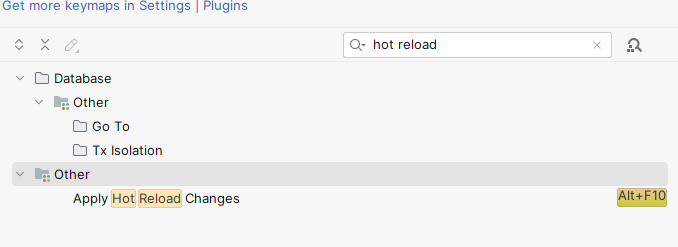
I was wondering if anyone could help me with this one: What is the equivalent to the Hot Reload button in Rider? I could only locate the hotkey for that action but is there a dedicated button in the new UI? The "Sources are modified" banner didn't appear when I made changes that could have been applied in Visual Studio. The Project I have been working on runs on .NET 6.
Expected behaviour, but didn't appear:

Hot Reload Button in Visual Studio:

Please sign in to leave a comment.
Hi Dusan Resavac!
Could you please tell me what is the exact type of your project and Rider version? The "Sources are modified" appears if Hot Reload is available for the project.
Thanks!
Hi Alexandra Guk,
The project is a console application with the target framework set to net6.0-windows using the latest minor C# version. My Rider version is 2023.1.3 Build #RD-231.9161.46. I am using the new UI. Thank you!
Hi Dusan Resavac!
Please check that Hot Reload on the File | Settings | Build, Execution, Deployment | Hot Reload tab is enabled. If not, please enable it and try again. If it does, please, reproduce the issue and collect the logs in a following way:
- Go to Help -> Diagnostic tools -> Choose Trace Scenarios and enable Trace scenario for Debugger;
- Reproduce the issue;
- Collect the full log bundle via Help -> Collect logs;
- Disable Trace scenarios;
- upload logs to our server and share the ID.
Thank you in advance!