Trying to get Rider to Work on macOS 15

Since Microsoft has dropped the support for VS for Mac, I'm now trying to get Rider to work but after two days of trying stuff, I have no idea anymore what to try or get it running.
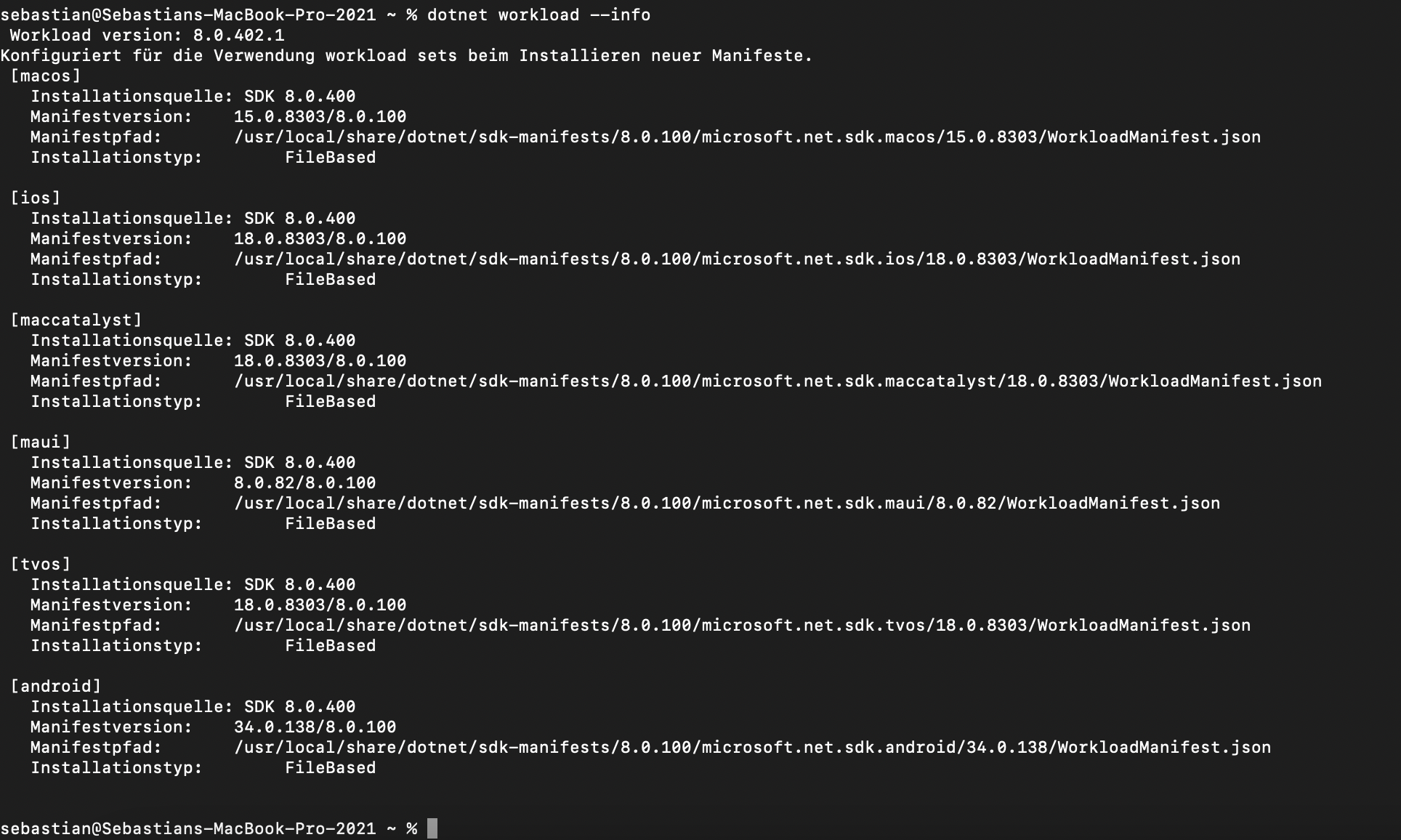
I want to use Rider for Xamarin(.Forms) and MAUI project development and maintenance of older projects. However after the initial setup this is how my toolset config looks.

When Auto detected (16.0) is used, Rider successfully detects the iOS Simulators available from Xcode 16. However it unloads my .NET Standard 2.0 projects as it misses the SDK for it. I already tried to install the latest .NET 8 SDK including Xamarin.iOS. When I select 17.0 however, it won't notice the iOS Simulators. It loads the projects fine in this case but the build fails because it misses the Xamarin.iOS.targets file even tho I just installed them?!
I have no idea anymore what todo or how to fix it.
Please sign in to leave a comment.
This is the error I get, when Rider uses 16.0 via auto detect:
Alright, when using this workaround: https://youtrack.jetbrains.com/issue/RIDER-97058/Projects-in-solution-fail-to-load-The-SDK-Microsoft.NET.SDK.WorkloadAutoImportPropsLocator-specified-could-not-be-found
I end up with this error: https://youtrack.jetbrains.com/issue/RIDER-117599/Could-not-load-the-framework-IDEDistribution-on-MacOS-15.0
So I guess that means no publishing of a time critical app update then…
I also am working for using RIder for a Xamarin.Forms macOS app, and for me, I launched VS for Mac installer again, and updated all workloads to the latest, then Rider worked good. I don't know what happened behind the scene, but you could try at least.
S Kruse I noticed the solution in the Xamarin-Macios repo.
I see the issue is still open, maybe Xamarin is not prepared with the latest XCode 16.