Unable to build Unreal Engine on Mac

Hello! I'm a first time poster and I'm very new to Rider in my trial period.
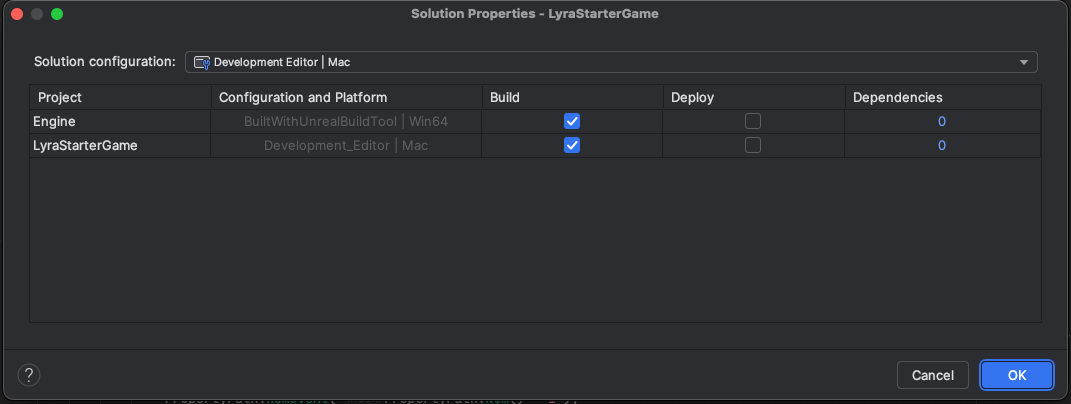
I'm having issues getting my Unreal Engine (5.4) to build when I make changes to engine files. I opened the LyraStarterGame from the uproject file. When I inspect the solution I see that the Engine platform is set to Win64 with no way of altering that, so that jumped out to me right away as an issue:
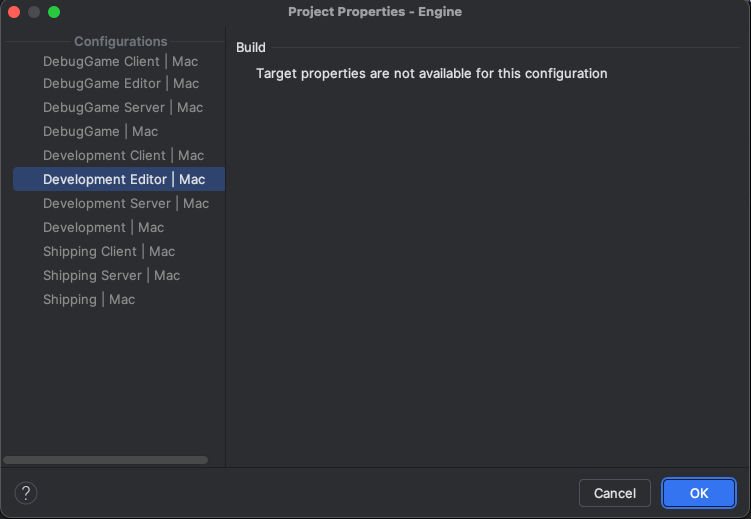
When I look specifically at the project properties window for the engine, I have the message that the properties aren't available. This is the same message that appears in each configuration.
During my troubleshooting I attempted to set the engine as the startup project, but I found it wasn't in the list. I edited the configuration and added an explicit call to build the engine project separately before launch:
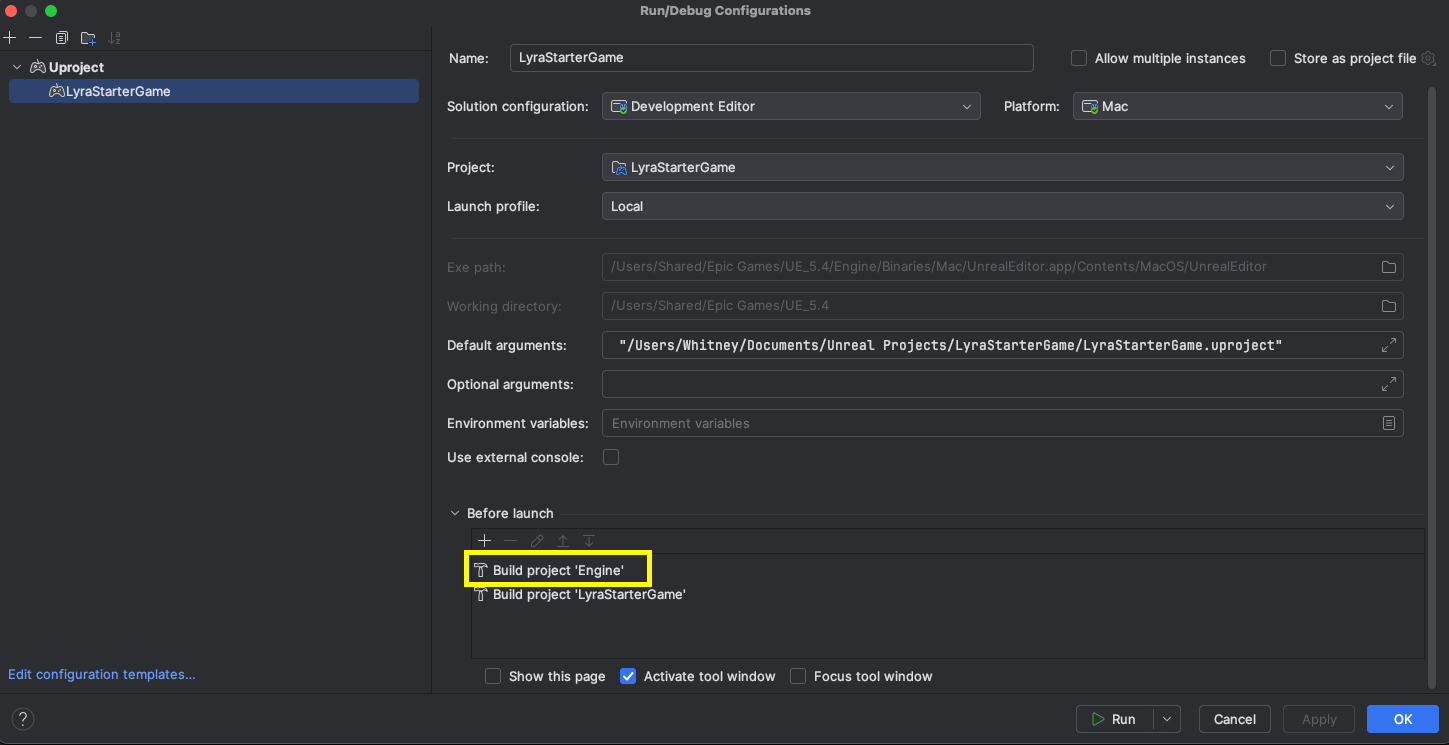
However this still did not result in the engine being built. I also manually chose to build the selected project from the build dropdown menu with no effect.
In the documentation I noticed this callout. I am just looking for any way to build the engine at this point.
I went hunting for any file with a “uprojectdirs” filetype, and wasn't able to find one to experiment with.
I would very much appreciate any insight this community could share with me.
Please sign in to leave a comment.
If your Engine is installed from Epic Game Launcher, you don't need (or can't) control the Engine build settings. The Configuration and Platform displayed in Rider acturally is unavailable, as Engine binaries are pre-built.
In another hand, when opening the project through
.uproject, you cannot specify Solution Properties in Rider. It only works when you open the project through.sln(which does not support MacOS).To apply any changes on Engine side you need to build Engine from source. If you want to specify any build configurations for Engine/Game when using
.uproject, you can do it by editing build configuration XML.