Soft wrap on long lines not working

I am using Rider EAP 8.
I have the AI Assistant pane to the right of the editor. Long lines are not wrapping to the next line. I have to scroll horizontally.
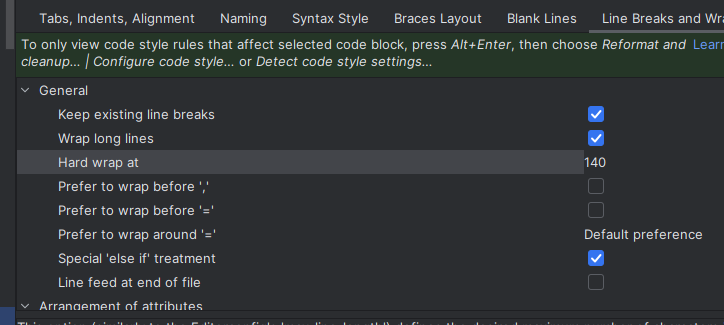
These are settings I am using::
Please sign in to leave a comment.
Hello,
Thanks for contacting Rider support.
To resolve this issue, you can use either of the following ways to enable “soft-wrap” feature:
Let me know if it doesn't work.
Regards,
Tom
Including file types made it work. Thanks.
Different settings in different places that all need to be set for soft wrap to work.
Also I have to specify which file types to include instead of it working everywhere as a default and I can exclude the file types which are not needed.
Seems like a UX issue. Next time I will pay more attention when using search in Settings.