Rider: Icon in settings dialogs

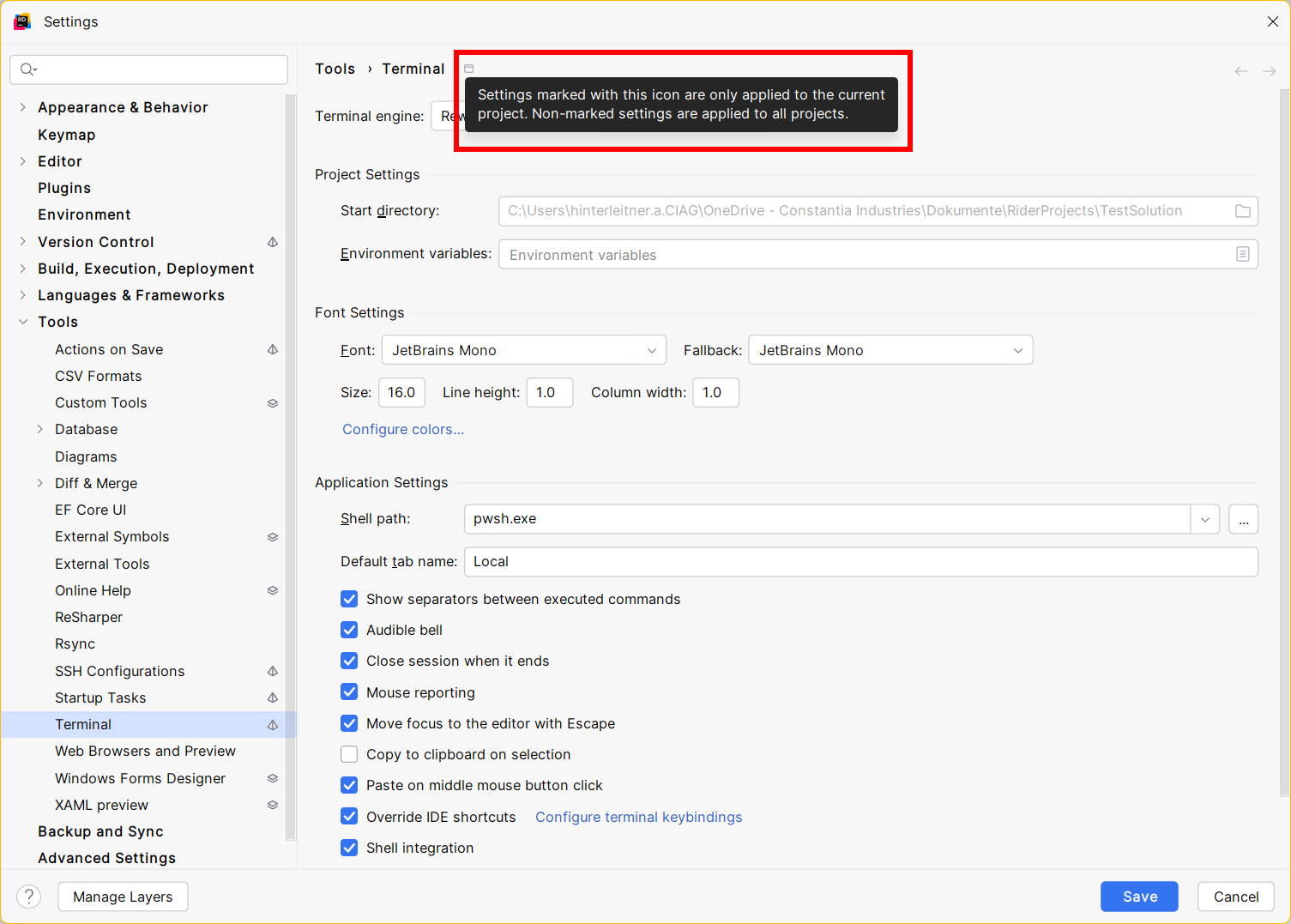
Sorry to bother, but I cannot figure out what this icon and its description mean in detail (the settings I find on this page are the same for any of my projects, and I cannot modify the icon's function):
Please sign in to leave a comment.
Basically: if you change any settings, the changes apply for the current project only. That is, when opening another project it will use the ones you see in the screenshot (given you say all your projects are the same currently)
It's the icon to identify settings only applied on the current project.
Also, you may want to know the differences of Directory-based Settings & Layer-based Settings. For IntelliJ IDEs, and for Rider/ReSharper.