Would you mind verifying if switching the setting File | Settings | Build, Execution, Deployment | NuGet | PackageReference Restore Engine to Embedded helps?
Meantime, please tell me, is there anything non-typical to common Unreal Engine project you have in your project structure? Do you have any extra .Net projects in your Unreal Engine project? Are there by chance extra .csproj/.sln/.uproject files lying in the same directory?)
Also, that would be helpful if you could confirm whether the issue reproduces with a newly created project (for e.g. FirstPersonShooter), and whether the issue reproduces when you open {yourProjectName}.sln instead of {yourProjectName}.uproject.
Dmitry Kazantsev Hi, ihave found the issue rider use system DotNET by default, and i installed DotNET 10 some days ago(VS 2026 requires 10) today, i switch DotNET to 8, it works; i think rider should use the embbed DotNET in UE4/5 project by default, like VS,
Thank you for sharing your experience with us. Unfortunately, I wasn't able to reproduce the issue on my side. I am glad to hear the solution was found.
Normally Unreal Engine projects load and build just fine with the system dotnet, but yes, using the dotnet bundled with UE is totally fine. The issue could be caused by non-fully supported .Net 10. Now the issue should not occur anymore with Rider 2025.3. If you could give it a try and confirm the issue doesn't persist, that would be great.

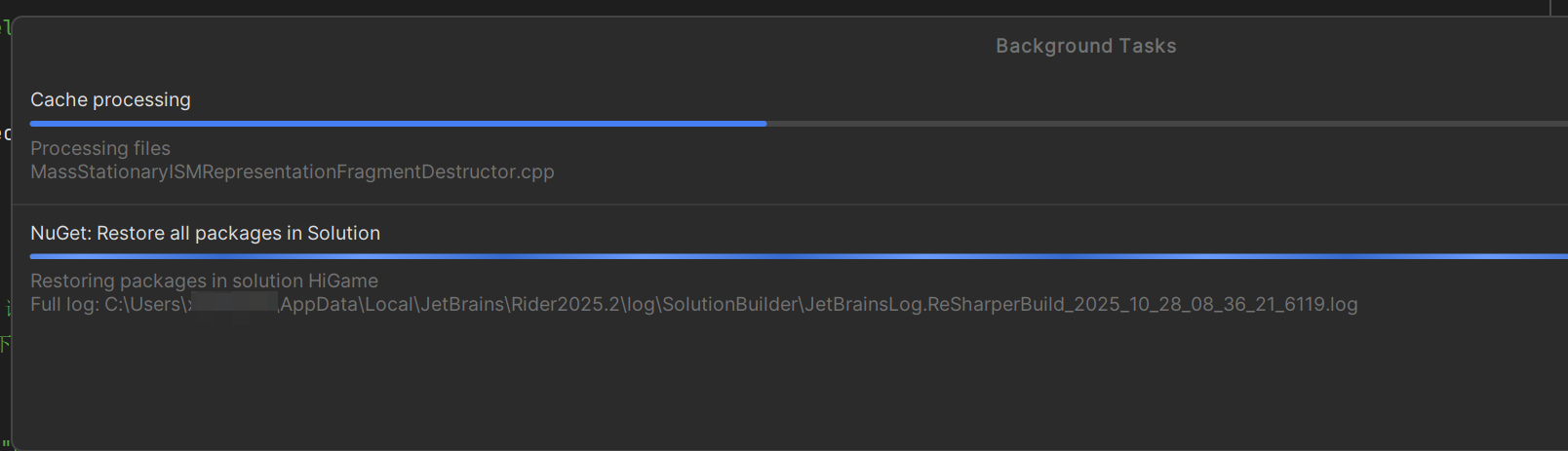
Hello,
Thank you for contacting Rider support. We are sorry to hear that you encounter such a problem.
Would you mind sharing additional information as described below?
%LOCALAPPDATA%\JetBrains\Rider2025.2\logfolder;Select Configure | Settings | Keymap and find the shortcut for the “Find Action” action:
Share the Timeline snapshot generated and the logs archive. You can access it from the Notifications tool window:
Please, upload files to the Upload Service and let me know the Upload ID.
Hope to hear from you soon. Have a nice day!
Upload id: 2025_10_28_4sw2gDwce9C8rVD62gZTao (file: rider-logs-20251028-204455699474334191749955.zip)
Thank you!
Would you mind verifying if switching the setting File | Settings | Build, Execution, Deployment | NuGet | PackageReference Restore Engine to Embedded helps?
Meantime, please tell me, is there anything non-typical to common Unreal Engine project you have in your project structure? Do you have any extra .Net projects in your Unreal Engine project? Are there by chance extra .csproj/.sln/.uproject files lying in the same directory?)
Also, that would be helpful if you could confirm whether the issue reproduces with a newly created project (for e.g. FirstPersonShooter), and whether the issue reproduces when you open {yourProjectName}.sln instead of {yourProjectName}.uproject.
Hope to hear from you soon!
Dmitry Kazantsev Hi, ihave found the issue
rider use system DotNET by default, and i installed DotNET 10 some days ago(VS 2026 requires 10)
today, i switch DotNET to 8, it works; i think rider should use the embbed DotNET in UE4/5 project by default, like VS,
Thank you for sharing your experience with us. Unfortunately, I wasn't able to reproduce the issue on my side. I am glad to hear the solution was found.
Normally Unreal Engine projects load and build just fine with the system dotnet, but yes, using the dotnet bundled with UE is totally fine. The issue could be caused by non-fully supported .Net 10. Now the issue should not occur anymore with Rider 2025.3. If you could give it a try and confirm the issue doesn't persist, that would be great.
Have a nice day!
after update to Rider 2025.3 and reset to system dotnet, rider works well.