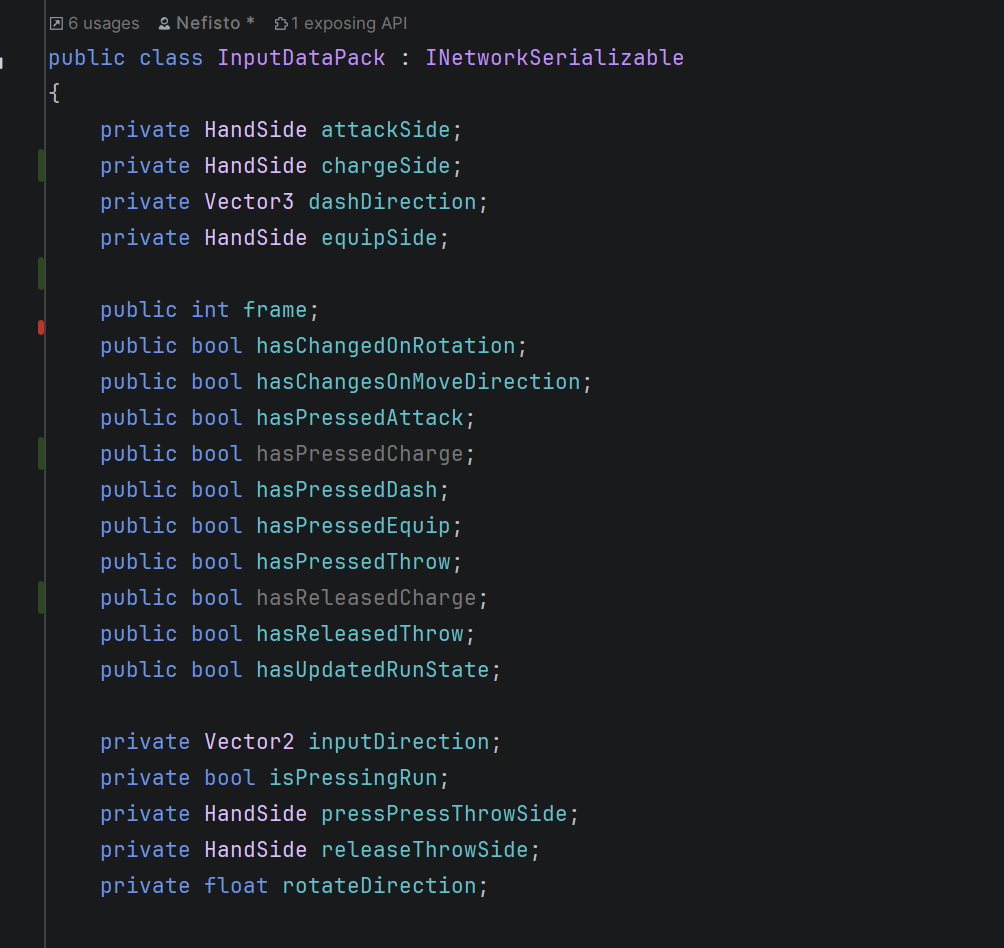
Rider is ordering my variables by name...

as the title says, I wanna disable this weird behavior, I wanna it to be separate by “type weights” like separating statics private/public, private/protected/public, consts and so on
Please sign in to leave a comment.
Hello Joao,
Thank you for contacting JetBrains Support.
The behavior you’re observing is due to Rider’s File and Type Layout feature, which automatically reorder C# code elements (like fields, properties, and methods) based on predefined patterns.
How to Customize or Disable This Behavior
1. Disable Layout During Code Cleanup
2. Modify the Default File Layout
File | Settings | Editor | Code Style | C# | File Layout3. [Advanced] Create a Custom Layout
For granular control, follow Rearrange members with file and type layout patterns to create a custom file layout as you prefer. For example, the settings below will sort fields based on access modifier:
Please note that Rider currently does not provide a friendly UI for creating and validating file layouts. This feature is tracked under RIDER-29621 user friendly UI for File Layout (designer).
Please let me know if you have any further questions.
Thanks,
Tom