How to swtich to the "old style" performance monitoring in rider 2025.3

Hi guys,
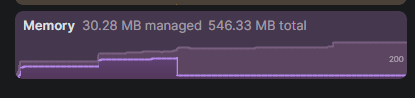
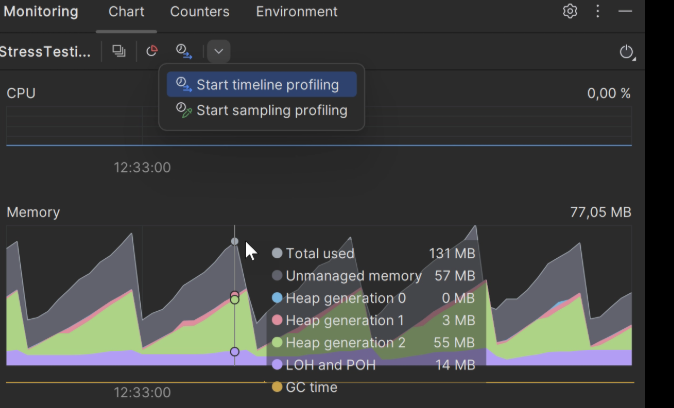
I upgraded the rider from version 2025.1 to 2025.3, and I realized the chart for memory usage in performance monitoring has been changed. The old had all kinds of information show,n such like gen0, gen1, and etc. However the new one is showing nothing but a purple chart.
Is it possible to switch the memory usage chart to the old version?
Thanks.
Please sign in to leave a comment.
Hello Mason,
We indeed reworked the Monitoring tool window in the 2025.2 version. See the updated documentation here: Monitoring.
We have this dedicated issue on our tracker covering this topic: RIDER-128820 New Monitoring pane is worse
Feel free to share your feedback there.
There is no way to bring the ‘old style’ monitoring back (except for downgrading back to 2025.1), but you can launch the memory profiler when it is necessary to see memory usage breakdown:
Have a nice day!