Errors while connecting to TFS (hosted)

Hello,
I am trying out Rider on my existing solution which is using an on premise TFS as source control.
Sadly, this is not recognized by Rider out of the box, so looked up some posts here, downloaded tf.cmd etc.
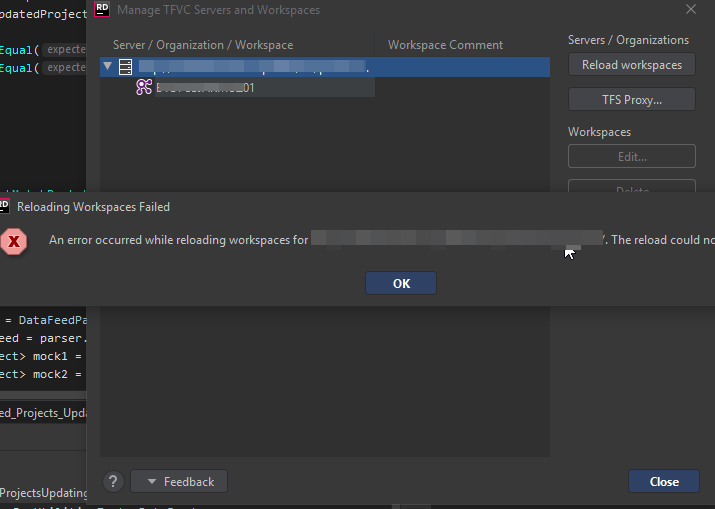
Based on the steps below, I got to 'Reload workspaces' (I see my project collection and a workspace) - but I get an error:
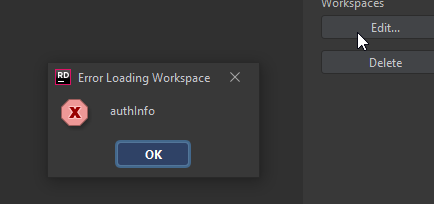
Hitting edit info shows this 'authInfo' error box.
When I try to view file history, I get this
13:50 Problems while loading file history: HTTP 401 Unauthorized
What should I do to make it work?
THanks
Bartosz
Please sign in to leave a comment.
Hi Bartosz,
Thank you for your request.
Could you please clarify your Rider version (Help | About) and the Azure DevOps plugin version you are using (File | Settings | Plugins)?
Kind regards,
Sofia.