Error Is not marking as Red in console also unable to go The following error line

Hi,
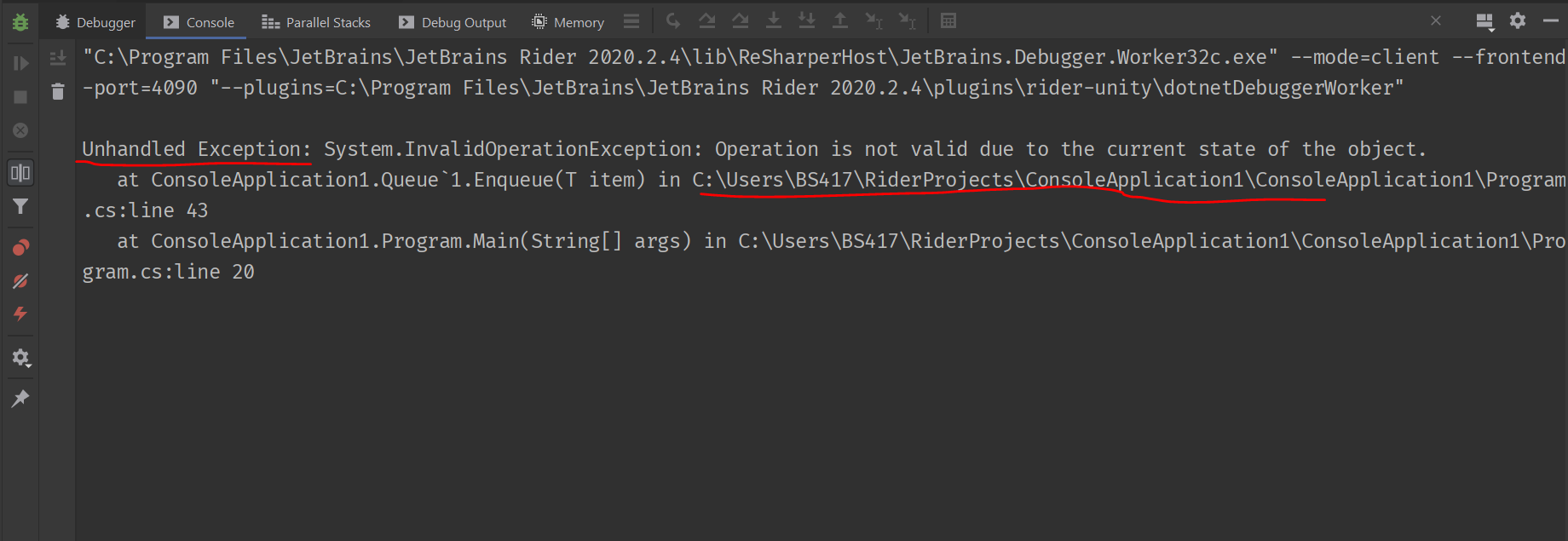
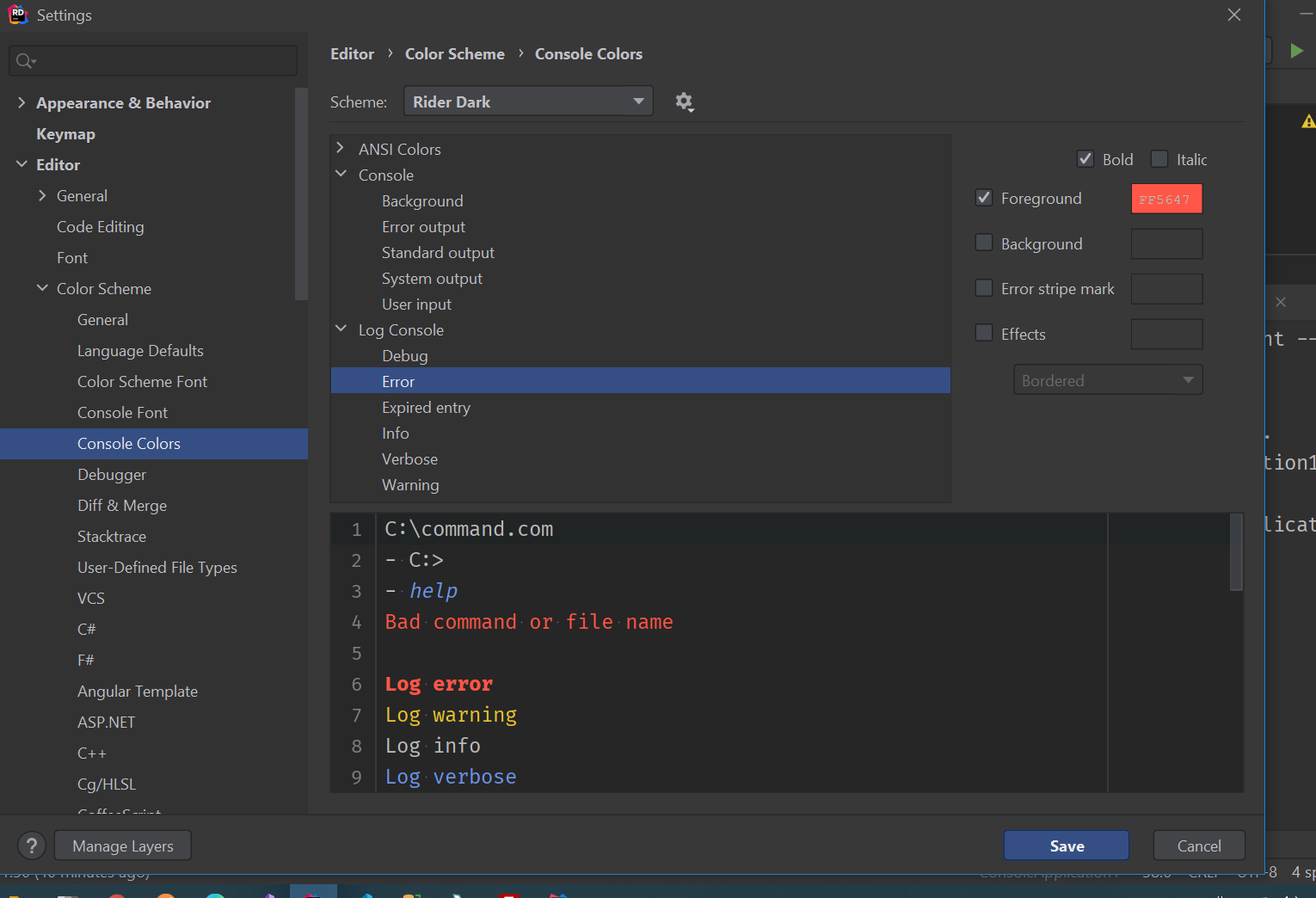
I am using Jetbrains Rider 2020.2.3 (on Windows 10) and am really struggling to read error messages in the built-in console. I have tried fixing this by changing the theme and updating the options under Preferences>Editor>Color Scheme->Console Colors but this does not solve anything. Also, unable to go to the error line by clicking the file link. I have attached the screenshots:
- Screenshot of my console output
What I want Is
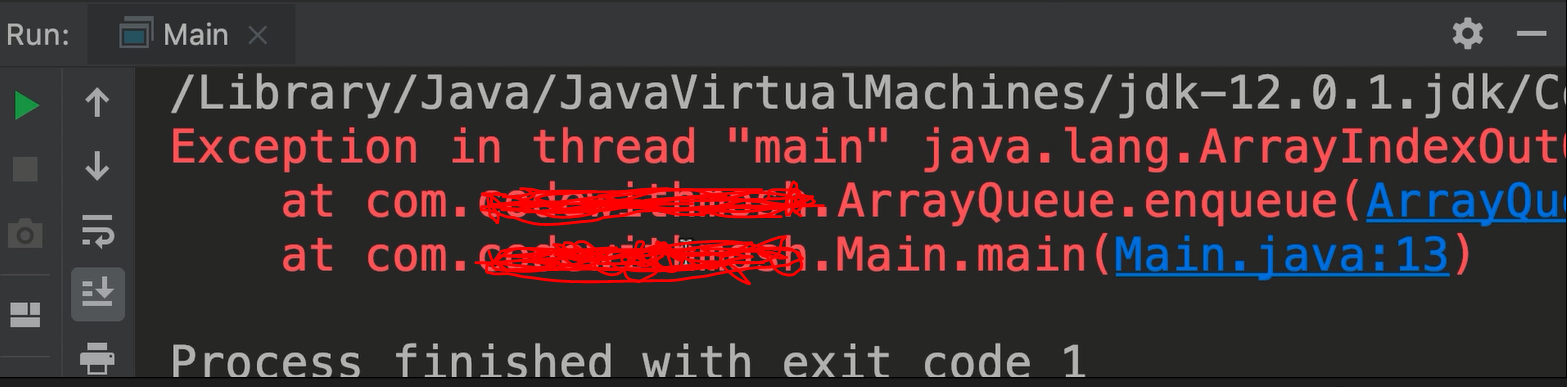
From where error can be easily understandable and can go to the particular error line number
Please sign in to leave a comment.
Hi! We already have a feature request to colourize and make links clickable in such cases, but it is not planned yet. Please, feel free to follow RIDER-45345 and vote for it to raise its priority.
Thank you!
Thanks @Alexandra Guk for your response.