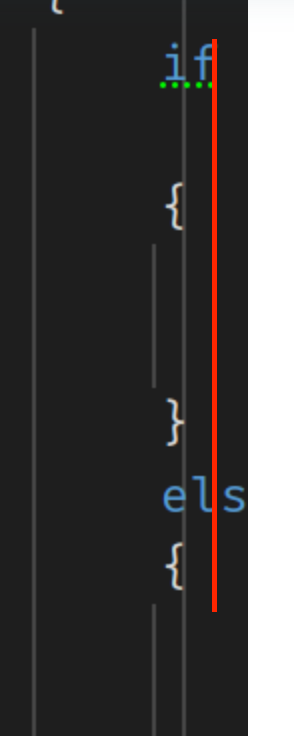
It's like a gathering of all the lines in the world ...

... can anyone tell me which setting I need to look for in order to get rid of all these vertical lines?
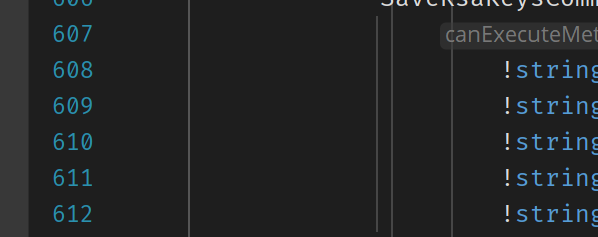
I think the Rider team really needs to revisit the default settings. Every forum I search everyone is looking at how to remove the page break line and now I'm also looking to get rid of these lines.
These defaults aren't a good choice imho.
Anyway, how do I turn these off? They are doing my head in, I can't even really see any value in them to start with.
This just feels messy and I cannot for the love of god find out how to turn them off. Some of these lines just go on and on and on through the code for no apparent reason.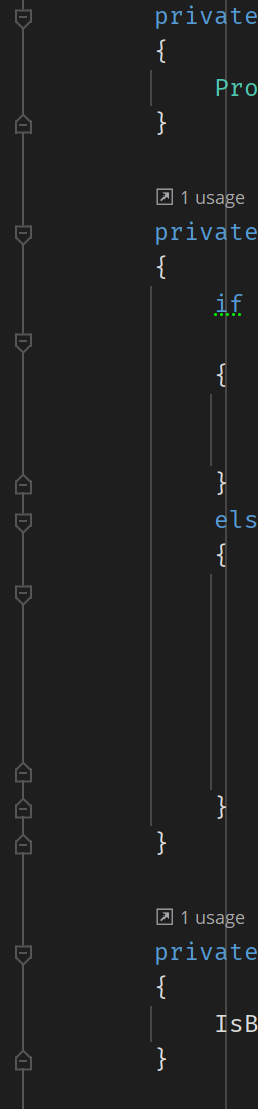
Please sign in to leave a comment.
Hi,
To disable it go to "Preferences | Editor | General | Appearance" and disable "Show indent guides."
K.R.
Sofia
Hello gain,
Could you please share a code example on which you get this vertical line crossing your code?