How can I disable the update prompt for a nuget package?

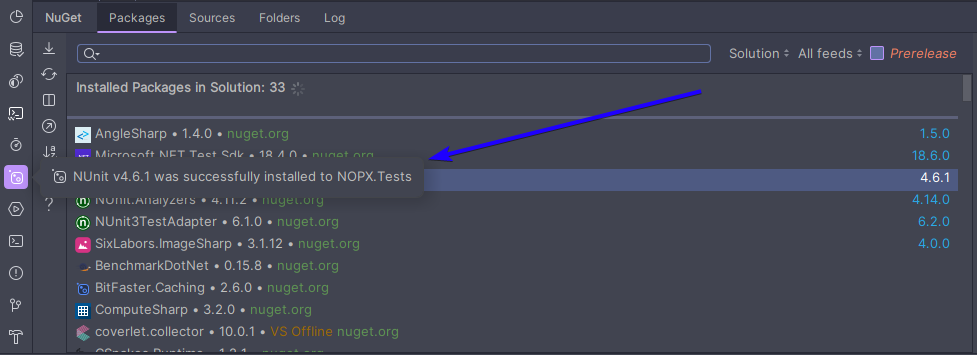
When I update a nuget package using the IDE interface, a pop-up appears on top of everything saying that the installation was successful. This pop-up overlaps the workspace and doesn't disappear for a long time, which is extremely annoying. Is there a way to disable it?
Please sign in to leave a comment.
Hello,
This is a tool window notification. You can disable it or tone it down as follows:
1. Go to Settings | Appearance & Behavior | Notifications
2. Type
nugetto search, then either:Please let me know if you have any questions.