How to set View.SynchronizeClassView hotkey in Rider?

Is there a way to set a hotkey for the function corresponding to View.SynchronizeClassView in Visual Studio in Rider?
I would like to know how I can set the View.SynchronizeClassView shortcut like in that image.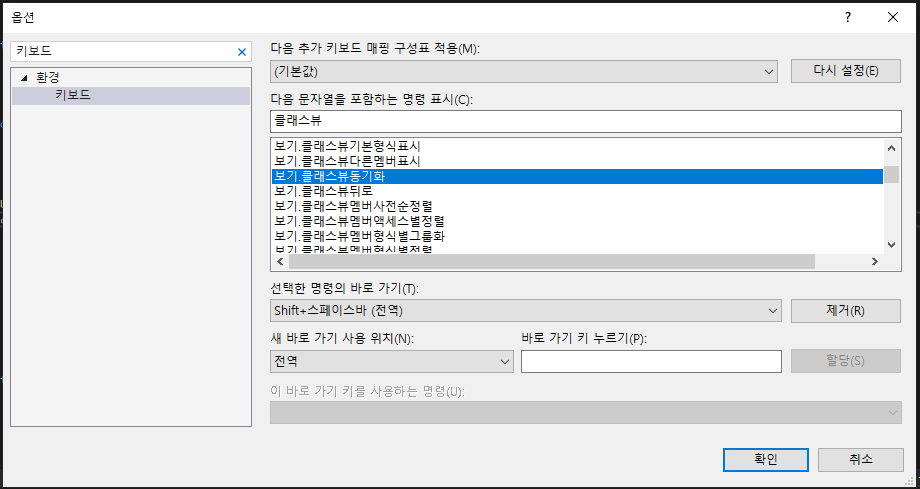
Please sign in to leave a comment.
Hello Taejun,
Thank you for contacting Rider support. Regrettably, there is no such function in Rider. Rider works differently here.
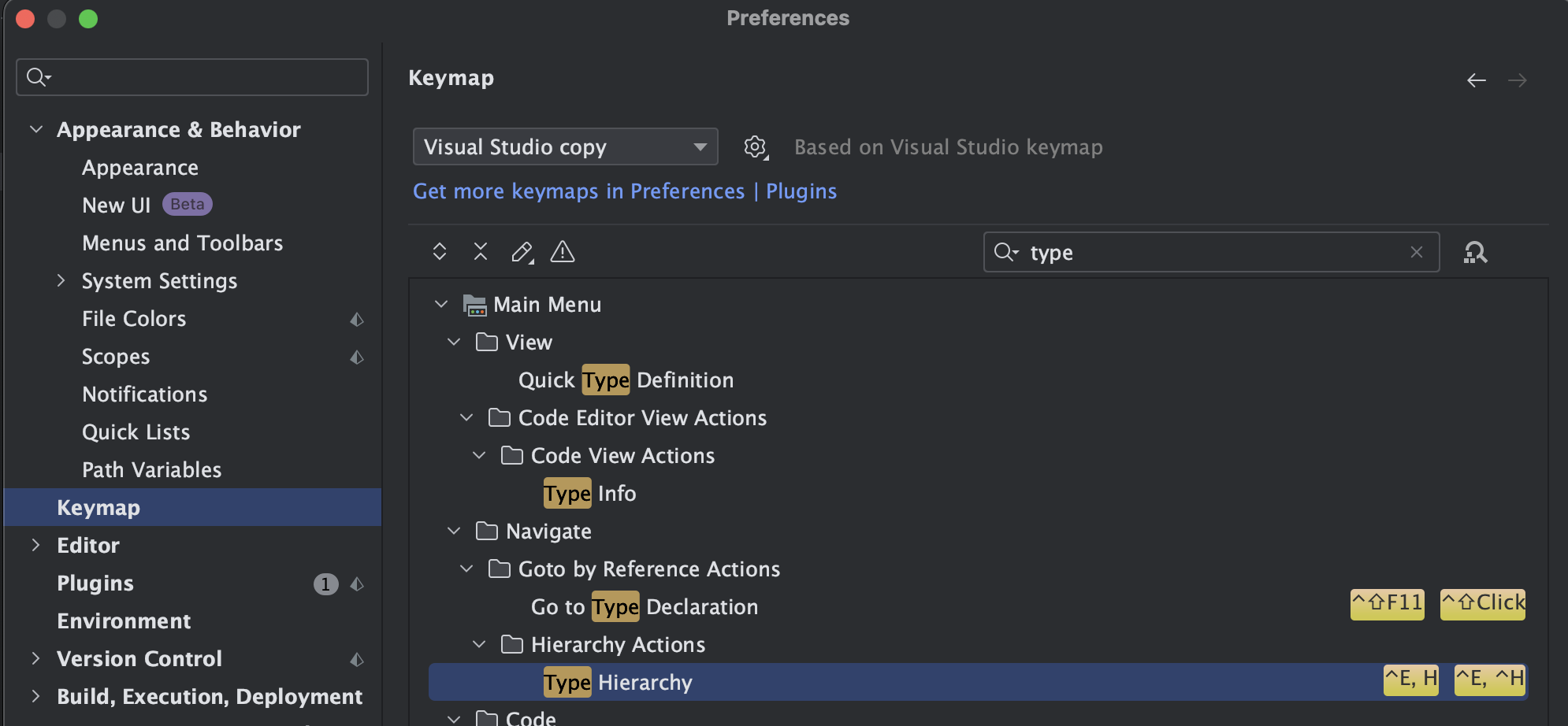
You can open the Type Hierarchy view by placing a caret on some type and selecting Navigate | Type Hierarchy (or press a shortcut Ctrl+E, H in VS keymap). It will show you the type hierarchy of a type under the caret. There you can right-click on the Object item in a tree and select Base on This Type. So that you can see all the classes among a solution.
You can change the shortcut for opening the type hierarchy for a type in settings (see the screenshot).
If it doesn't help, I would appreciate it if you could elaborate on the issue.
Have a nice day!