Hide link folder in WinUI3 Project

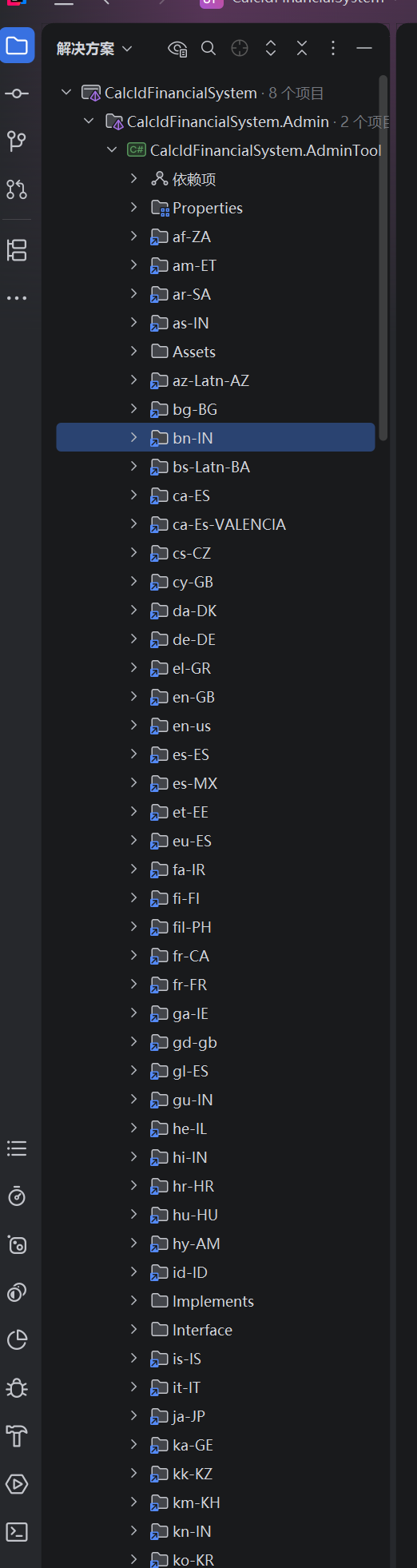
When I open the WinUI3 project, it displays many unrelated folders.
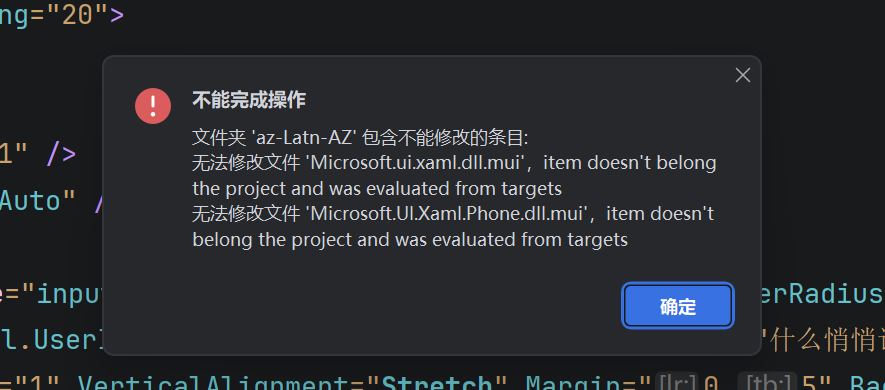
When I click the "Exclude" or "Delete" button, it shows that the file/folder cannot be excluded or deleted
How can this be solved
Please sign in to leave a comment.
XFEstudio, could you check if your project is using
WindowsAppSDKSelfContainedproperty incsprojof the affected project?Kirill Filin Yes, this property has been added to my project
Thank you for the clarification. I've reproduced this behavior in a testing environment and filed a corresponding issue RIDER-139070 Cluttered Explorer tool window in WinUI3 projects using WindowsAppSDKSelfContained. Please consider following (★) it for further updates.